







海灵总结
海灵提示:今天来和大家分享如何将本地仓库上传到GitHub。我们首先需要通过init、add和commit命令在本地建立并提交仓库。接着,通过配置GitHub的token,并在终端添加自定义脚本,即可快速创建远程仓库并完成推送。此外,文中还整理了手动关联并推送至main分支的步骤,以及如何解决远程连接已存在的报错问题。
新建本地仓库
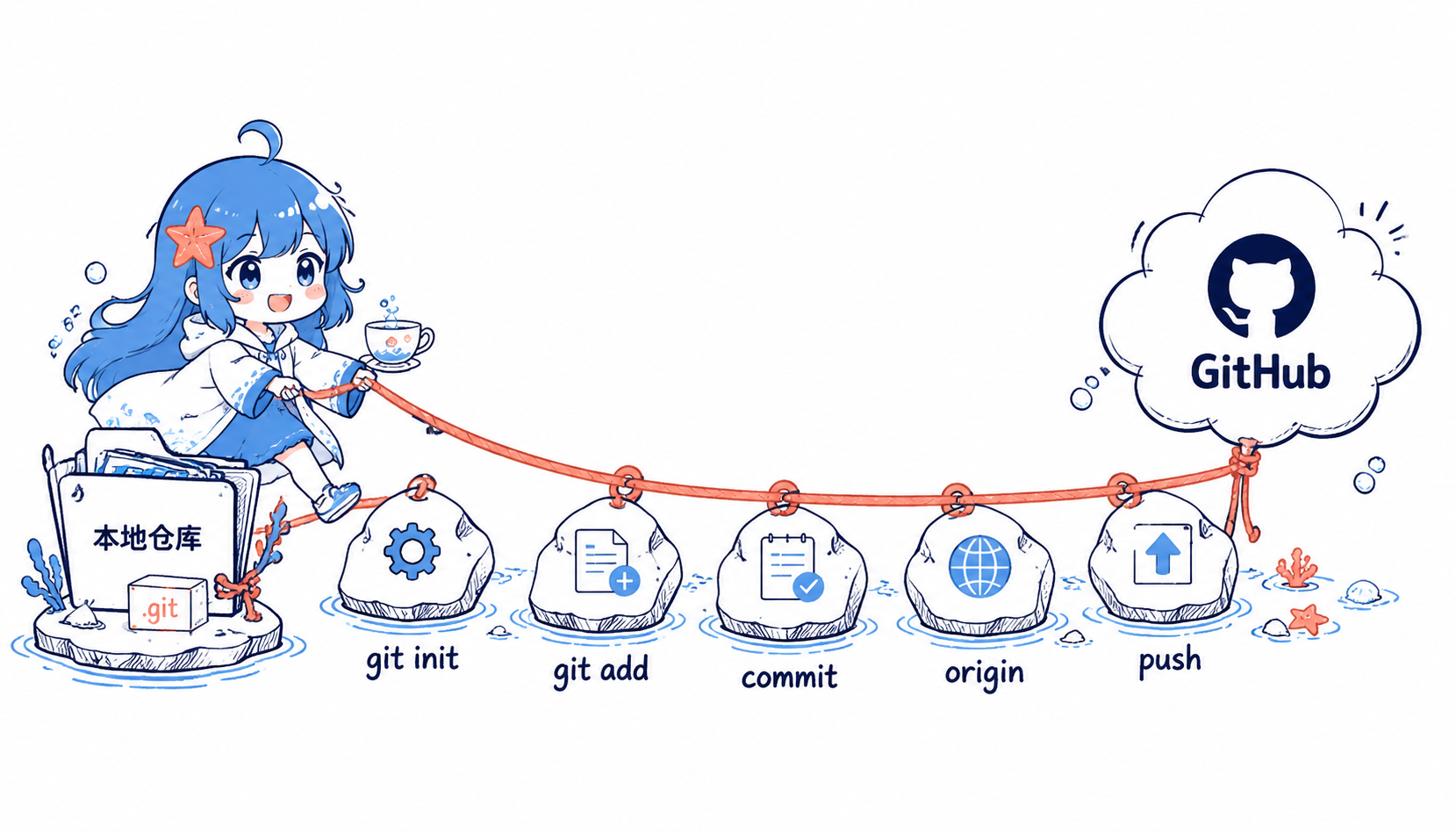
- 进入需要被创建为仓库的文件夹,打开cmd或者终端输入命令.即可将文件夹变为可管理的仓库
1 | git init |
这时会生成.git文件夹
2. 这时候在文件夹里创建或者复制文件,打开终端输入命令即可将文件版本管理
1 | git add . |
再输入命令查看文件是否成功添加
1 | git status |
git status 中看到文件进入暂存区,就可以继续提交。
3. 上一步已经将文件管理,但是并没有记录文件修改.使用下面的命令将仓库进行一次本地推送来进行记录
1 | git commit -m "提交备注" |
自此本地仓库已经创建完成
推送至远程仓库
- 在推送前需要先登录Github,具体教程参考百度其它教程.这里记录最主要的一步
需先登录github账户且配置好用户名和邮箱
因为github官方没有用于创建原创仓库的命令,所以需要借助其API,因此应该获得github账户的token,权限为repo和gist
点击这里创建
token
本地设置token
1
git config --global github.token <token>
2. 打开git bash终端修改~/.bash_profile文件添加如下代码
1 | ghc() |
将写好的脚本保存后再执行
1 | source ~/.bash_profile |
- 执行脚本
在你的工程目录中使用git bash执行ghc [repo name]默认仓库名为当前目录名,也可以手动输入 - 连接到远程仓库
生成主分支
1 | git branch -M main |
连接到远程仓库
1 | git remote add origin [email protected]:用户名/仓库名.git |
推送到远程仓库
1 | git push -u origin main |
常见报错
- error: remote origin already exists.
输入git remote -v是否已经存在远程仓库
输入git remote rm origin删除关联